
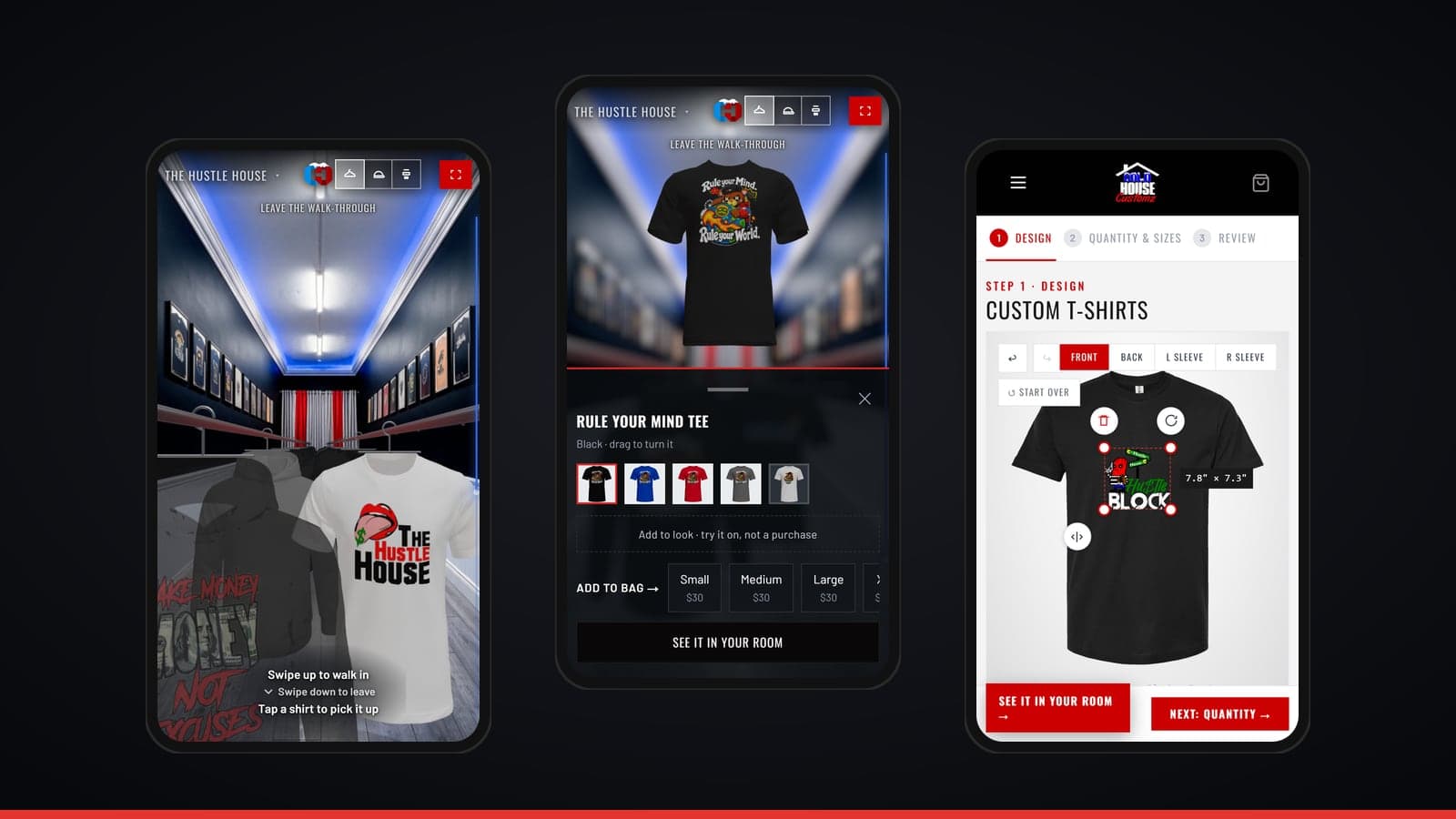
A New Way to Shop Cold House Customz — Walk the Store From Your Phone
Most custom apparel sites give you a grid of flat pictures and a size chart. We wanted shopping for your school, team or brand to feel more like walking into the shop — so we rebuilt the whole site around that idea. It works best on your phone, which is where most of you shop anyway.
Here's what's new and how to use it.
Find Your Store in Two Taps
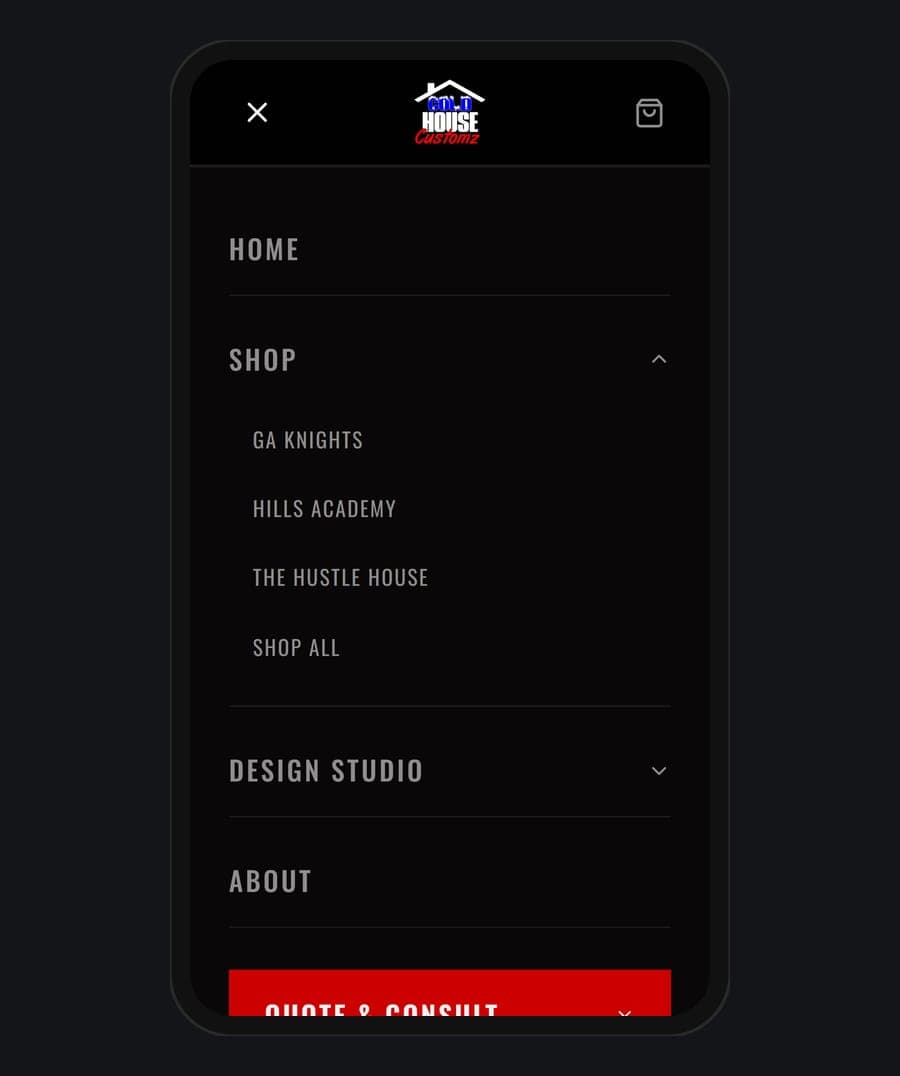
Every school and team we outfit has its own store: Hills Academy, GA Knights and The Hustle House. Tap the menu, tap Shop, and pick yours — or go straight to Shop All to see every store's pieces, grouped by store.
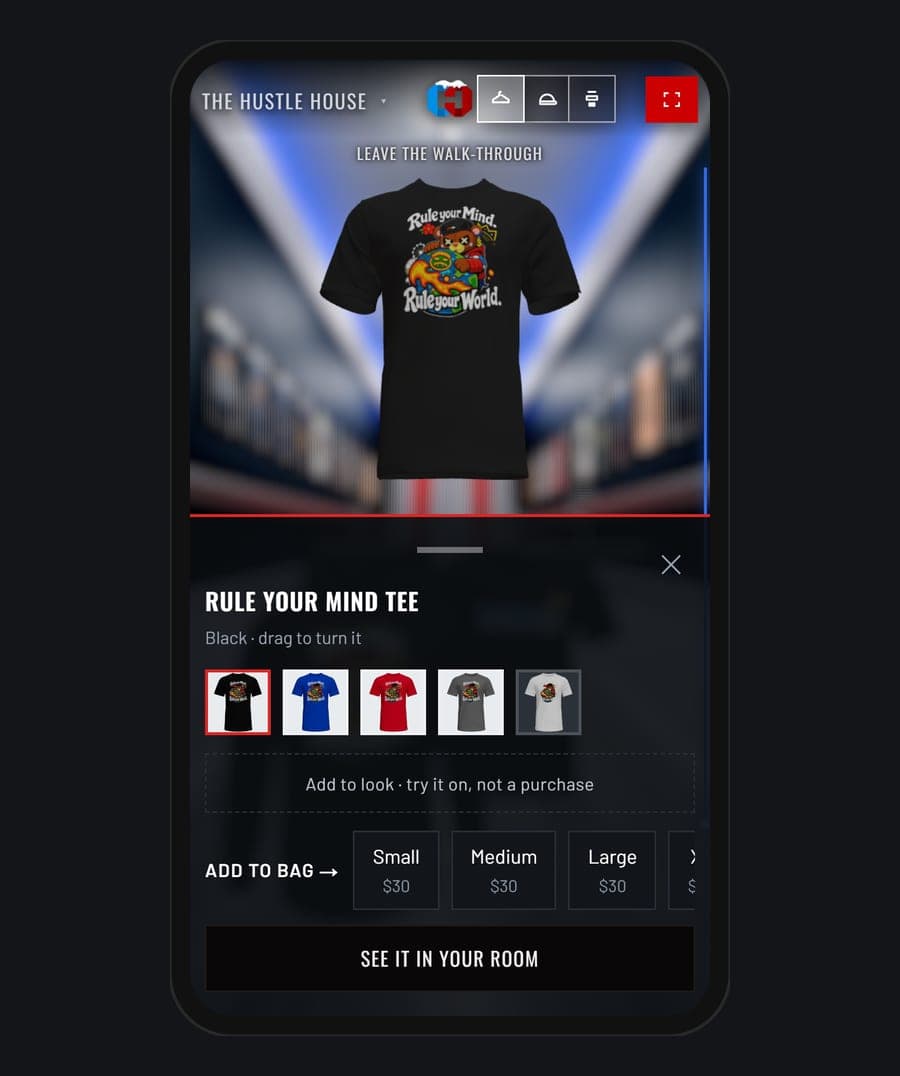
Every product page shows the design on the colors it comes in, with sizes and prices right there.
Walk the Store
Here's the part we're proudest of. On any store page, tap the Cold House logo at the top and you step inside the shop. Scroll, and you stroll down the aisle past every shirt and hoodie on the rack.
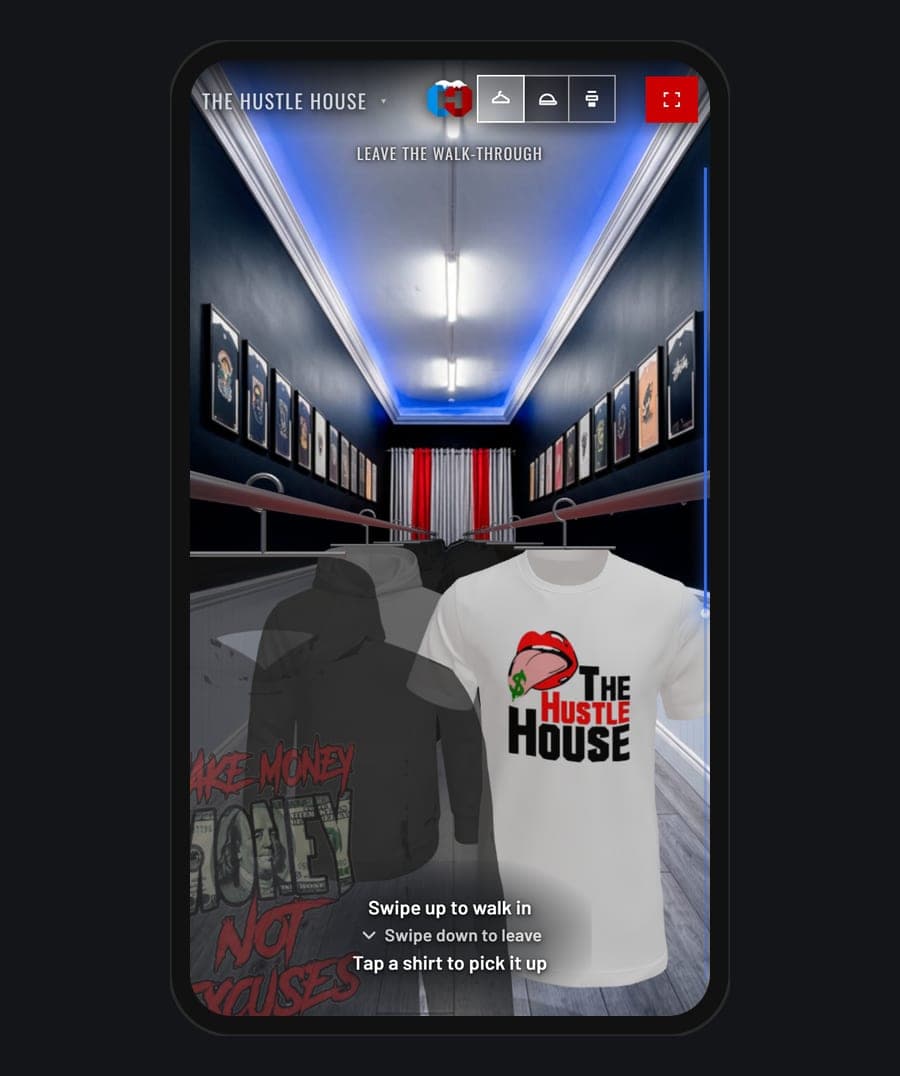
Pick It Up and Spin It
Tap any piece on the rack and it comes off the hanger into your hand. Drag to turn it and see the front, the back and the sleeves. Switch colors, pick a size and add it to your bag without ever leaving the aisle.
Halfway down the aisle there's a hat wall too — tap a cap to take it down and look it over.
See It in Your Room
Want to know how a piece looks before you buy it? Tap See it in your room. Turn on your phone's camera and the rack shows up right where you're standing. Tap a piece and it comes to you so you can turn it around. Nothing is recorded — the camera feed never leaves your phone.
Design Your Own
Need something that isn't on the rack? Our Design Studio gives you three ways to make it yourself:
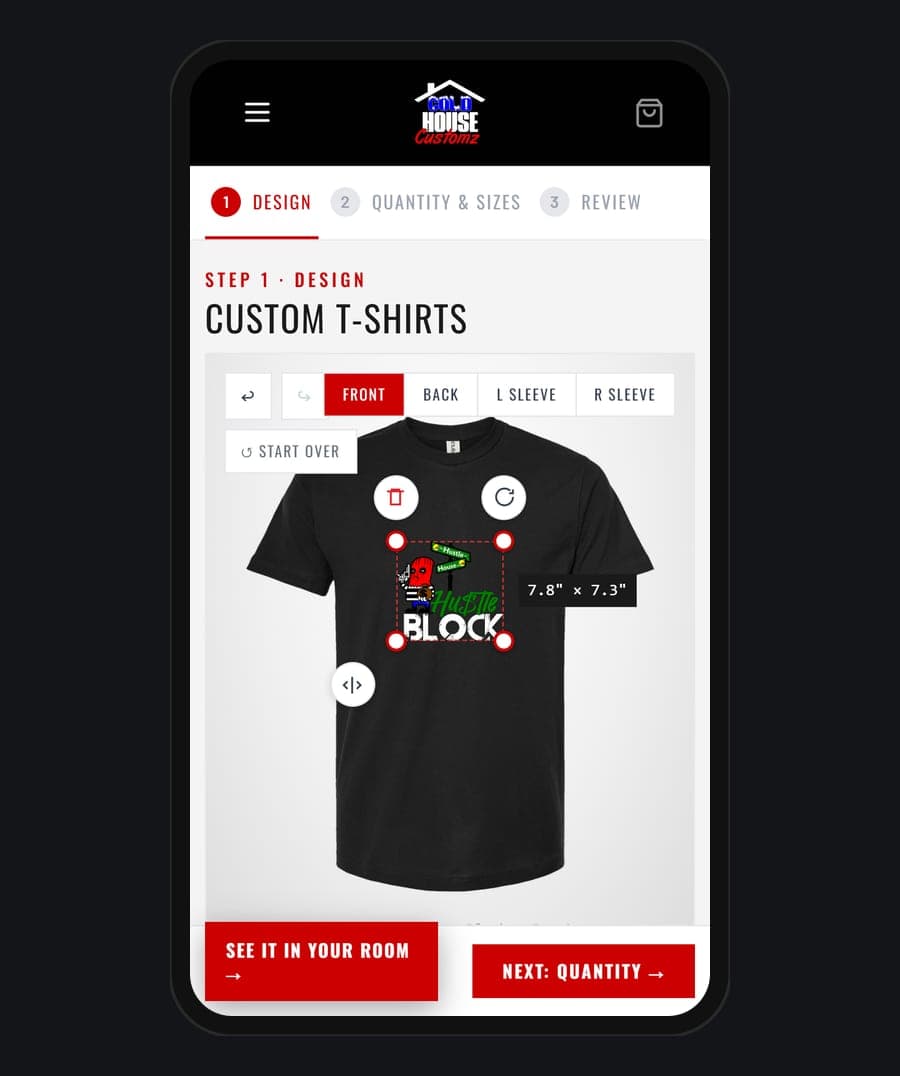
Custom Apparel Studio — upload your logo, place it on a tee or hoodie, and see your price as you design. No minimums. Start designing
DTF Transfers — build your own gang sheet online, and we print your designs to size, ready for you to press. Build a gang sheet
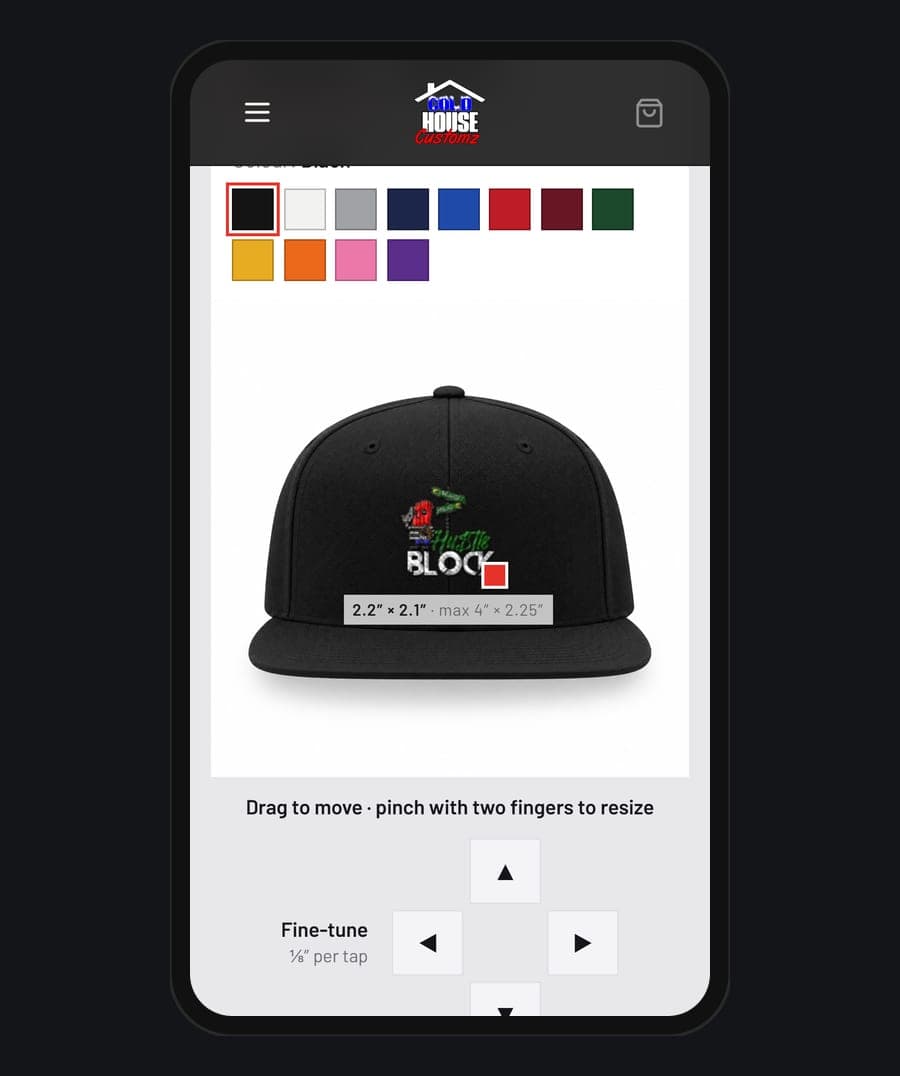
Embroidery Lab — upload your logo and preview how it could look stitched on a hat, polo or hoodie before you order. On a phone, the arrow buttons let you nudge your logo into exactly the right spot.
Team, Club or Business Orders
Ordering for a whole team or company? Send us your logo and tell us what you need, and we'll get back to you with a quote. Get a quote
Take a Look
The best way to see it is to try it. Open the site on your phone, pick your store, and tap the logo to walk in. Start shopping